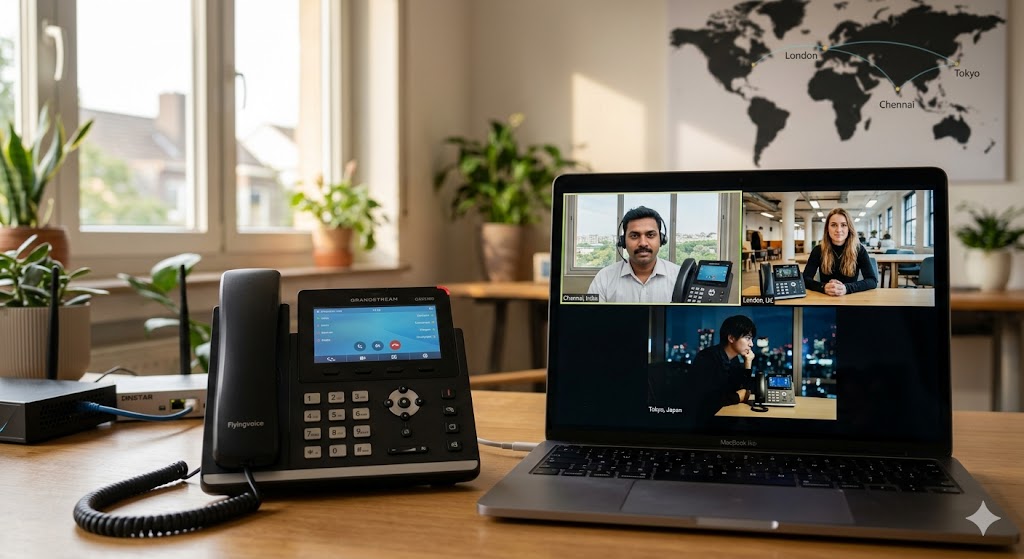
Whether you’re a startup founder in Chennai or a project manager overseeing a decentralized team across Europe and Asia, the “office” is no longer a physical destination—it’s a digital connection. However, the dream of seamless global collaboration often crashes against the reality of choppy audio, dropped calls, and hardware that refuses to sync with modern VoIP protocols.
To build a bridge between your local operations and a global workforce, you need more than just a laptop and a prayer. You need specialized hardware designed for the rigors of the modern internet. In this guide, we’ll explore how Flyingvoice and Grandstream are redefining the remote work toolkit, ensuring your team stays connected regardless of the time zone.
The Evolution of the Virtual Office in 2026
The shift to remote work wasn’t just a temporary fix; it became the blueprint for high-performance organizations. As we navigate 2026, the reliance on Hybrid IP EPABX systems has skyrocketed. Businesses have moved away from legacy copper wires toward Hybrid IP EPABX: Redefining Remote Work in 2026, allowing employees to carry their office extensions on their mobile phones or home-based hardware.
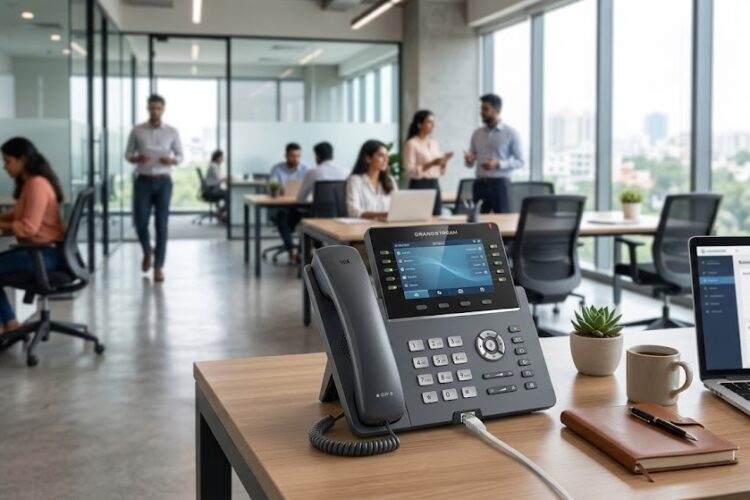
But a software-only approach often falls short. While apps are great, the stability of a dedicated IP phone remains the gold standard for executive communication and high-volume support roles. This is where the hardware synergy of Grandstream and Flyingvoice comes into play.
Why Flyingvoice is a Game-Changer for Remote Employees
Flyingvoice has carved a niche by focusing on “all-in-one” communication. For a remote worker, clutter is the enemy. Many Flyingvoice models integrate Wi-Fi and even built-in routers, reducing the need for multiple cables and power bricks on a home desk.
Built-in Wireless Connectivity
Unlike traditional phones that require a hardwired Ethernet connection, Flyingvoice specializes in high-fidelity Wi-Fi IP phones. This allows a remote team member to set up their professional station anywhere in their home without drilling holes for cables. If you are looking at the Flyingvoice IP phones cost in Coimbatore, you’ll find that the cost-to-feature ratio is one of the best in the industry for 2026.
Portable “Office in a Box”
Flyingvoice devices often act as a bridge. For instance, some models allow you to plug in a local internet source and broadcast a secure Wi-Fi signal for your laptop, essentially creating a secure “work-only” network bubble. This isolation is a critical IP phone system backup and recovery strategy, ensuring that home-network congestion doesn’t affect call quality.
Grandstream: The Powerhouse for Global Infrastructure
If Flyingvoice is the nimble scout of remote work, Grandstream is the heavy-duty engine. Grandstream is globally recognized for its massive ecosystem, ranging from high-end video phones to robust backend PBX systems.
Unrivaled Scalability
Grandstream phones are designed to work perfectly with the NEC SL2100 IP PBX system and other major controllers. This means a company can have 500 employees worldwide, all managed from a single dashboard.
Crystal Clear Audio and Video
Remote work often leads to “Zoom fatigue.” Grandstream counters this with Opus codec support and advanced noise-shield technology. When you use Grandstream IP phones for office productivity, you’re getting hardware that actively filters out background noise—be it a barking dog in Chennai or traffic in New York.
Setting Up Your Global Connectivity Map
Connecting a global team isn’t just about handing out phones; it’s about the architecture behind them. To understand how calls travel from a GSM network in India to a VoIP phone in London, it helps to look at the GSM cellular network architecture map.
Integrating GSM Gateways
For teams that still rely heavily on mobile-to-office communication, integrating a Dinstar GSM Gateway with your PBX is essential. It allows remote workers to call local landlines or mobiles using the company’s cost-effective SIM bundles rather than expensive international roaming rates.
The Role of FXS and FXO Gateways
Sometimes, remote offices are in locations where only analog lines are available. In these scenarios, understanding the FXS vs FXO Dinstar Gateway guide is vital for IT managers. It ensures that the “old world” of telephony can still talk to the “new world” of Flyingvoice and Grandstream IP phones.
Overcoming the Pain Points of Remote Communication
1. Security and Fraud Prevention
The biggest fear for any IT manager is “Toll Fraud”—where hackers hijack your IP system to make expensive international calls. Implementing security maintenance to protect business communications is non-negotiable. Both Grandstream and Flyingvoice offer encrypted signaling (TLS) and media (SRTP) to keep conversations private.
2. Managing Voice Quality (QoS)
“Can you hear me now?” shouldn’t be your team’s catchphrase. High-quality communication requires proper configuration. For those using Fanvil or similar brands alongside Grandstream, optimizing voice quality on IP phones involves setting up Jitter Buffers and selecting the right codecs.
3. Technical Support in Remote Locations
If a phone goes down in a satellite office, you need local expertise. Whether you need an EPABX service provider in Coimbatore or a Matrix service centre in Chennai, having a hardware brand that is widely supported locally is a massive advantage.
Budget vs. Performance: Making the Choice
When selecting hardware for a global team, the “cheapest” option often becomes the most expensive due to downtime and replacement costs.
| Feature | Flyingvoice | Grandstream |
| Best For | Home Offices & Wi-Fi Setup | Corporate HQ & High-Volume Users |
| Key Advantage | Built-in Wi-Fi & Compact Design | Vast Ecosystem & Video Integration |
| Integration | Excellent with Cloud PBX | Superior with On-Premise Systems |
| Cost | Budget-Friendly | Mid to High Range |
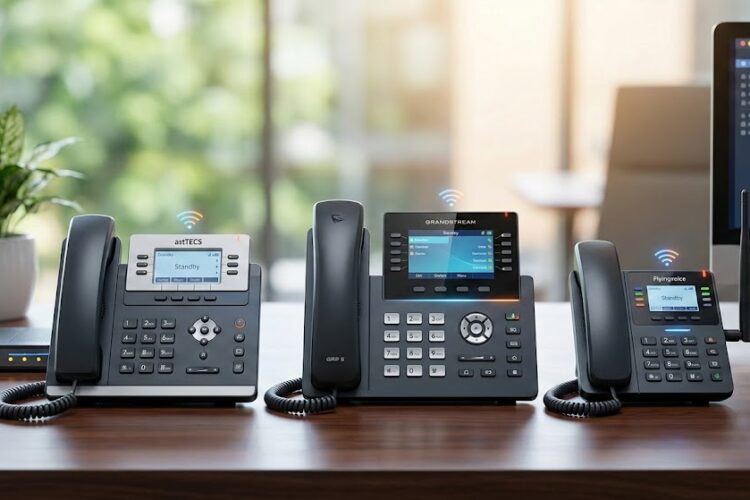
For a detailed breakdown of how these stack up against each other in terms of value, check out the Ultimate Guide to IP Phones: Asttecs vs Grandstream vs Flyingvoice.
Future-Proofing Your Remote Strategy with AI and Chatbots
As we look toward the end of 2026, the hardware is just the vessel. The intelligence inside is what matters. Many modern IP systems now integrate with Asttecs Chatbots to revolutionize customer support.
Imagine a scenario where a customer calls your Grandstream-powered office. An AI handles the initial query, and if a human is needed, the call is seamlessly routed to a remote employee’s Flyingvoice phone in a different country. The customer never knows the team is spread across the globe; they only know they received great service.
High-Performance Infrastructure Checklist
To ensure your global team stays connected, your IT department should verify the following:
Reliable Network Setup
Remote employees must know how to troubleshoot their own basic connectivity. A simple but overlooked task is knowing how to find your default gateway IP address. Without this knowledge, fixing a “no registration” error on an IP phone becomes a long, frustrated support ticket.
Proper Call Center Metrics
If your remote team is focused on sales or support, the hardware must support monitoring. Using an IP PBX allows managers to track call center metrics that matter, such as Average Handle Time (AHT) and First Call Resolution (FCR), even when the “call center” is 20 different living rooms.
Regular Maintenance
Hardware requires care. Establishing a routine for IP phone maintenance—including firmware updates and security patches—is the only way to prevent a total system failure.
Conclusion: Building the Global Bridge
The tools we use define the quality of our work. By choosing Flyingvoice for its flexibility and Wi-Fi capabilities, and Grandstream for its robust infrastructure and scalability, you aren’t just buying phones. You are investing in a cohesive, global culture where distance is irrelevant.
The “Remote Work Essentials” are no longer just about having a laptop; they are about creating an environment where high-performance audio, secure connections, and intelligent routing allow your team to do their best work, wherever they are.
Frequently Asked Questions (FAQs)
Can I use a Flyingvoice IP phone with my existing Grandstream PBX?
Yes. Both brands adhere to the standard SIP protocol, meaning they are highly interoperable. You can easily register a Flyingvoice handset to a Grandstream UCM series PBX.
Do I need a technician to set up an IP phone for a remote employee?
Not necessarily. Most modern IP phones support “Zero Config” or “Auto-Provisioning.” Once the IT manager sets the configuration on the server, the remote employee simply plugs the phone into the internet, and it downloads its settings automatically.
Is Wi-Fi stable enough for professional business calls?
With Flyingvoice’s specialized Wi-Fi IP phones, yes. They are designed to prioritize voice traffic (QoS) over the wireless network, which prevents the lag and “robotic voice” issues often found when using softphones on a standard laptop Wi-Fi connection.
How do I protect my global team’s phones from being hacked?
Ensure all phones are behind a VPN or use encrypted protocols like TLS and SRTP. Additionally, always change the default admin passwords on every device before shipping them to remote employees.
What is the life expectancy of these IP phones?
With proper IP PBX and hardware maintenance, these devices typically last 5 to 7 years. The hardware is built to be durable, but firmware updates are necessary to keep up with new security standards.